Event Invitation Message Examples for Small Events
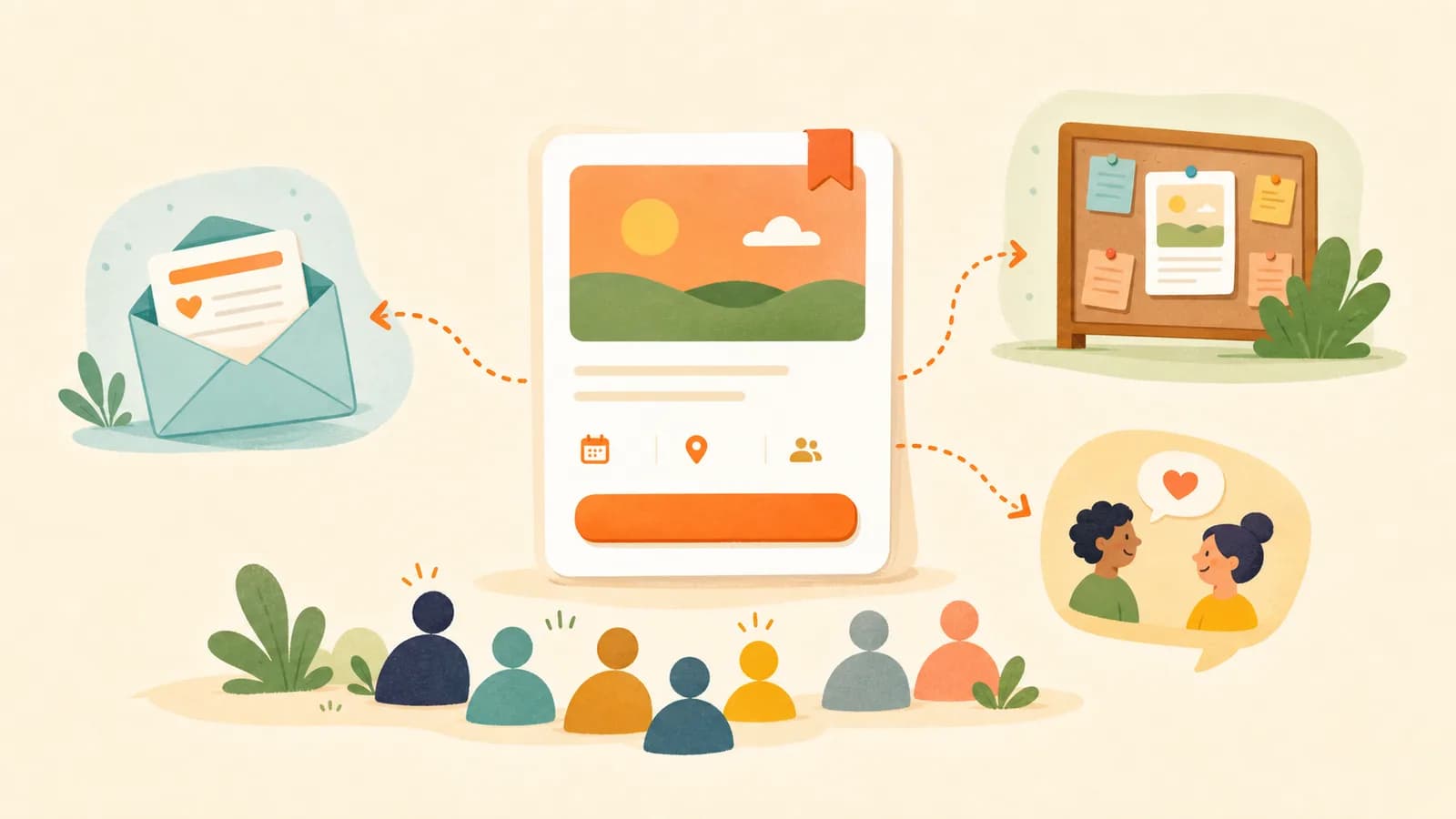
Reusable invitation message patterns for email, DMs, partner asks, and social posts that send people back to the event page.
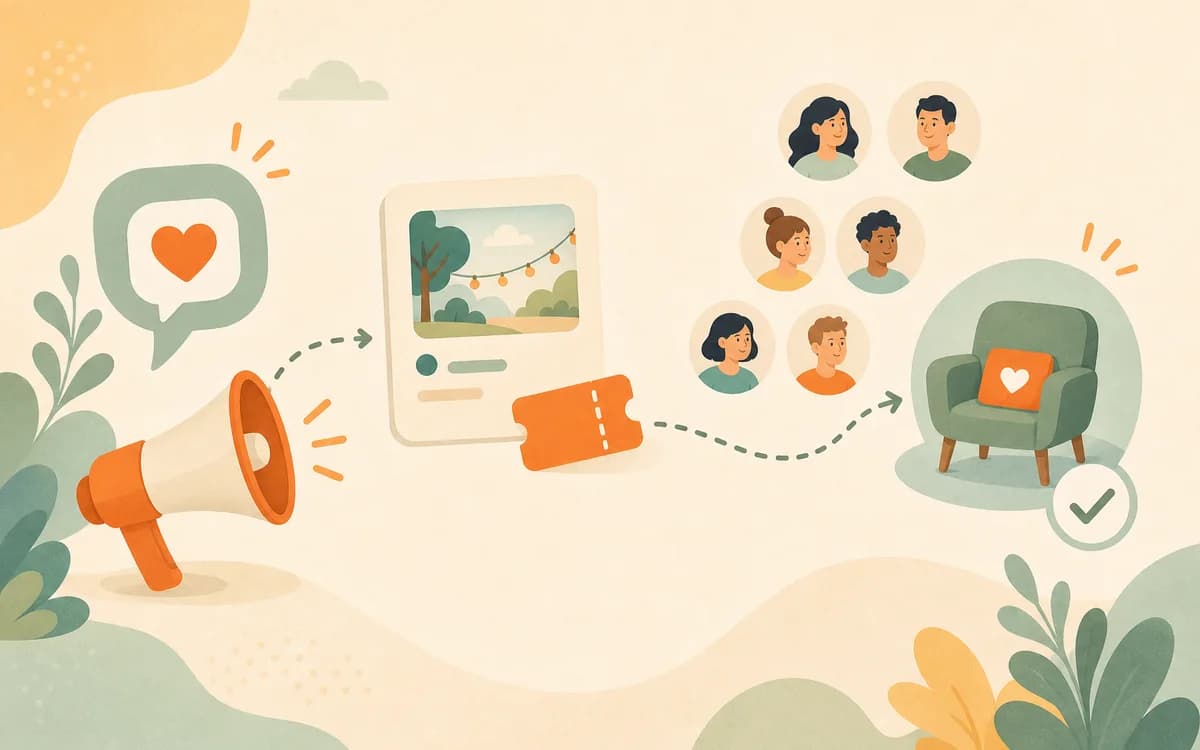
A strong event invitation message is not a louder announcement; it is a clearer fit signal. For small events, the invitation should help the right person quickly understand who the event is for, what will happen, why the timing matters, and what to do next without feeling pushed.
Key Takeaways
- Write one core event promise before creating message variations.
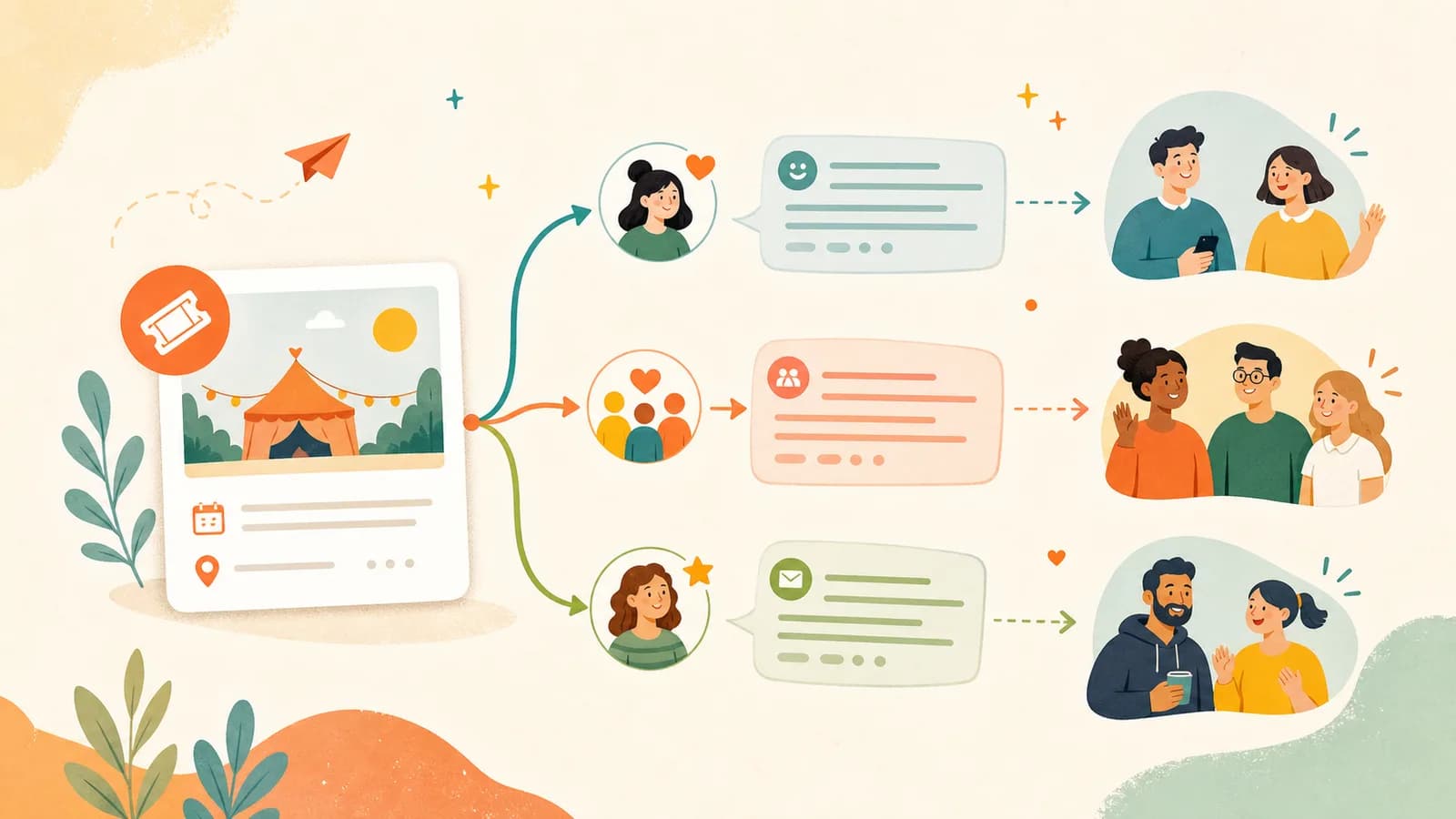
- Use different copy for direct messages, community posts, email, partner shares, referrals, and follow-ups.
- Lead with audience fit and concrete activity instead of hype.
- Make the event page match the message so trust does not drop after the click.
- Respect permission, email rules, and community norms when sending invitations.
- Use templates as starting points, then personalize the reason and context.
Start With One Core Invitation
Before writing channel-specific messages, write the core invitation once. This prevents every version from sounding different in a confusing way. The message can be warm, but it needs a factual spine: event name, format, audience, outcome, date, location or online format, and link.
Google's guidance on helpful, people-first content is relevant here because the invitation's job is to help the reader complete a decision. An invitation that is clever but unclear is less useful than a plain message that names the experience and next step.
Use the core message formula
Use this structure first: [Event name] is a [format] for [specific audience] who want [specific outcome]. It happens on [date/time] at [place or online]. Guests will [2-3 concrete activities]. Details and registration: [link]
Example: Beginner Pasta Night is a small cooking workshop for adults who want to make fresh pasta without needing previous kitchen experience. It happens Friday evening at Northside Studio. Guests will mix dough, shape two pasta styles, cook together, and sit down for dinner. Details and registration: [link]
Make the event page confirm the same promise
The event page should repeat and expand the same promise. If the invitation says "beginner-friendly," the page should show skill level, agenda, materials, host context, and what guests will leave with. Nielsen Norman Group's research on how users read on the web explains why readers scan for concrete cues. The message earns the click; the page earns the registration.
You can create an event page in HereNow and use that page as the destination for every invitation. For the page itself, review how to write an event page that gets signups.
Direct Invitation Messages
A direct invitation should feel specific because it is specific. Use it when you know someone who genuinely fits the event. The goal is not to pressure them into attending; it is to show why the event might be relevant.
Template for a direct invitation
Hey [name], I thought of you because [specific reason]. I'm hosting [event name] on [date]. It is for [audience], and we'll [main activity or outcome]. No pressure at all, but I thought it might be your kind of thing. Details are here: [link]
Example: Hey Sam, I thought of you because you mentioned wanting a relaxed way to meet more local creatives. I'm hosting a small sketching night next Thursday. It is beginner-friendly, materials are included, and we'll do a few guided drawing prompts before open conversation. No pressure at all, but the details are here: [link]
When to personalize and when to keep it short
Personalization should explain the fit, not perform intimacy. One sentence is often enough: "I thought of you because you mentioned wanting a beginner-friendly pottery night." Long personal setup can make the invitation harder to answer. If you are inviting several people individually, vary only the fit sentence and keep the event details consistent so no one receives a distorted version of the promise.
Community Group Posts
A community post has to respect the space it enters. The audience did not necessarily ask for your event, so the message should lead with relevance and transparency. If the group has rules about promotion, paid events, links, or frequency, follow them before writing the post.
Template for a community post
Sharing in case this is useful for people here: I'm hosting [event type] for [specific audience] on [date]. The session is focused on [specific outcome], and guests will [activities]. It is [free RSVP / paid ticket], with [capacity or format detail]. Details are here: [link]
Example: Sharing in case this is useful for beginner gardeners here: I'm hosting a small balcony herb workshop on Saturday morning. We'll cover container setup, soil basics, watering, and choosing herbs for small spaces. It is a paid workshop with 12 seats, and all starter materials are included. Details are here: [link]
Explain why the post belongs there
A community post should not assume relevance. It should name the subgroup within the community that will care. Business.gov.au's guide to developing a marketing plan starts with audience and positioning; use that discipline even for a small group post. The clearer the audience fit, the less the post feels like an interruption.
Email Invitation Messages
Email gives more room than a direct message, but readers still decide quickly. A useful email invitation has a specific subject line, one event promise, a short list of what guests will do, and one registration link. Do not make the email carry every detail; the event page can hold the full agenda, logistics, FAQ, and registration form.
Subject line examples
Nielsen Norman Group's article on email subject lines explains that subject lines help people decide whether to open a message. For event invitations, clarity usually beats cleverness.
| Weak subject | Clearer subject |
|---|---|
| You're invited! | Beginner candle workshop next Saturday |
| Don't miss this | Small-group design critique on July 18 |
| Big news | Fresh pasta night: 10 seats available |
Email invitation template
Subject: [Clear event name] on [date]
Hi [name],
I'm hosting [event name], a [format] for [specific audience]. It is designed for people who want [outcome] without [common obstacle].
During the event, we'll:
- [Activity 1]
- [Activity 2]
- [Activity 3]
It happens [date/time] at [location or online]. [Capacity, price, or RSVP note.]
Details and registration: [link]
Best,
[name]
Use email only when the relationship supports it
Email can be powerful, but only when the recipient expects that kind of message. Nielsen Norman Group's guidance on newsletters emphasizes relevance and scannability, which are also useful for host invitations. If the message is commercial, check applicable rules. In the United States, the FTC's CAN-SPAM Act compliance guide provides a baseline for commercial email expectations. This is not global legal advice, and rules vary by country.
Partner Share Messages
A partner share message is for a venue, instructor, studio, newsletter, club, or adjacent host whose audience overlaps with yours. The partner should not have to rewrite the event from scratch. Give them copy that is short, accurate, and easy to paste.
Template for partner sharing
[Host name] is hosting [event name] on [date] for [audience]. Guests will [specific activities or outcome]. The event is [format, location, capacity, or ticket note]. Details and registration: [link]
Example: Mina Park is hosting a beginner-friendly flower arranging workshop on Sunday afternoon for people who want to make a seasonal table arrangement. Guests will learn basic stem prep, color pairing, and arrangement structure, then take home their piece. The event is a small paid workshop at Greenhouse Studio. Details and registration: [link]
Give partners three copy lengths
Send one sentence, one short paragraph, and the full event link. The one-sentence version works for social captions. The short paragraph works for newsletters or community calendars. The link lets the partner avoid answering every detail manually. Business.gov.au's overview of marketing and advertising is a reminder that channels differ by format and context; partner copy should fit the partner's channel instead of forcing one universal message.
Referral Request Messages
A referral request should be smaller than a promotion request. People are more likely to help when they know exactly what help means. Instead of asking someone to "spread the word," ask whether one specific person comes to mind.
Template for one-person referrals
Hey [name], quick ask: do you know one person who might enjoy [event type]? It is for [audience] and happens [date]. If someone comes to mind, could you forward them this link? [link]
Example: Hey Lina, quick ask: do you know one person who might enjoy a relaxed beginner pottery night? It is for adults who want a creative evening without needing prior experience, and it happens next Thursday. If someone comes to mind, could you forward them this link? [link]
Make the referrer comfortable saying no
The best referral request protects the relationship. Add "if someone comes to mind" or "only if it feels relevant" so the person does not feel responsible for your ticket sales. This matters because small-event promotion often relies on the same trusted network over time. A respectful ask can create future referrals even when it does not create a registration today.
Follow-Up Messages
Follow-up is useful when it helps someone decide or prepare. It becomes annoying when it repeats the same pressure. Send a follow-up only when there is a real reason: the event is close, materials need to be prepared, capacity is limited, or the person already showed interest.
Template for a practical follow-up
Quick reminder that [event name] is happening [date]. If you were considering joining, the details are here: [link]. I'll be finalizing [materials / seats / venue count] on [day], so registering before then helps me prepare.
Example: Quick reminder that Beginner Pasta Night is happening this Friday. If you were considering joining, the details are here: [link]. I'll be finalizing ingredients on Wednesday evening, so registering before then helps me prepare.
Do not turn follow-up into a second sales page
A follow-up should not repeat the full event description. It should remind the person of the event, name the decision point, and point back to the page. If many people need more explanation before registering, the fix belongs on the event page, not in a longer follow-up message. Use how to send event reminders people actually read when the person has already registered and needs preparation details rather than persuasion.
Check the Message Before You Send It
Before sending any invitation, read it once from the guest's point of view. The message should make the event easier to understand, not simply make the host feel that promotion has happened. A useful invitation passes four checks: the audience can recognize themselves, the activity is concrete, the next step is obvious, and the tone leaves room for a natural no.
Use the four-question message check
Ask these questions before sending: Can the recipient tell whether this is for them? Can they picture what happens during the event? Can they see the date, location, price or RSVP type, and link without searching? Would the message still feel respectful if they are not interested? If the answer is no, rewrite before sending. This check is especially useful for first-time hosts because it catches the two most common mistakes: being too vague about the experience and being too intense about the ask.
Match the message to the registration action
The invitation and registration action should feel like one continuous path. If the invitation says "quick RSVP," the form should not ask for unnecessary information. If the invitation says "paid workshop," the event page should explain what the ticket includes before checkout. If the invitation says "small group," the page should show capacity or format details. The message creates expectation; the page either confirms it or breaks it.
Build the Invitation Link in HereNow
HereNow gives each invitation a single destination: the public event page. Create the event, refine the title and short description, add agenda and logistics, then use the same link in direct messages, community posts, partner blurbs, email, referrals, and follow-up. If a question appears repeatedly, add the answer to the page so every future click gets clearer.
For a complete outreach system, pair this guide with how to promote a small event without paid ads and how to get your first 10 attendees. Those two guides help you decide where to send these invitation messages and who should receive them first.
FAQ
What should an event invitation message include?
It should include the event name, audience fit, date and location, what guests will do, price or RSVP type when relevant, and one clear link. For small events, also explain why the person or community might care.
How long should an event invitation be?
A direct message can often be 3-5 sentences. A community post or email can be longer, but it should still be scannable. Put the most important fit, date, and event promise near the top.
Should I mention limited seats?
Yes, if seats are genuinely limited and the number helps guests understand the format. Do not invent urgency. A truthful note such as "10 seats" or "materials finalized Wednesday" is stronger than exaggerated scarcity.
Can I send the same invitation to everyone?
You can keep the same core message, but adapt the opening and tone. A direct invite should feel personal, a community post should respect group context, and an email should use a clear subject line.
How do I ask people to share my event?
Ask for one specific action. For example, "Do you know one person who would enjoy this beginner workshop?" is easier to answer than "Can you promote my event?" Give them a short blurb and link to forward.